

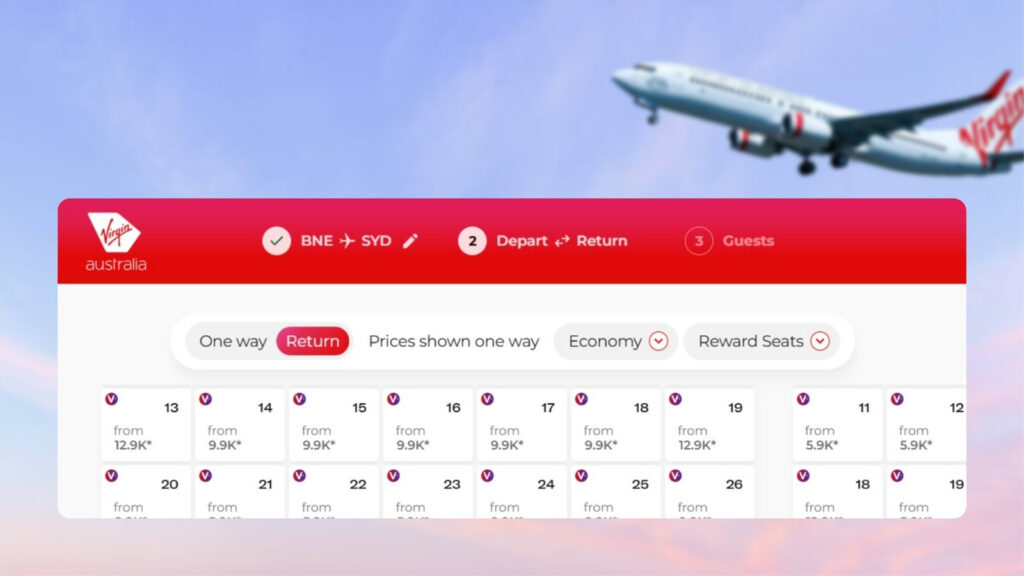
Virgin Australia has updated its new flight search tool to now show partner airline reward seats at a glance. Launching in April 2026, the “all-in-one” search function allows users to compare cash fares, Points + Pay options and Velocity Reward Seats within a monthly calendar.
Virgin Australia’s General Manager of Digital, Alex Plummer, said the update represents a major shift in the booking experience.
“Customers are typically limited to searching one route at a time, which can make it difficult to compare options and find the best value,” he said. “This changes that… giving customers a simpler, more transparent way to find the flights that work best for them.”
How does Virgin Australia’s search tool work?
It’s worth noting that Virgin Australia’s tool doesn’t work the same way as Qantas’ tool. That’s powered by Gyoza Flights and can find seats across a range of regions and routes in one search.
Virgin Australia’s flight search tool is still based on point-to-point searches. It’s also integrated directly into the airline’s main flight search interface, rather than being hosted on a separate page.
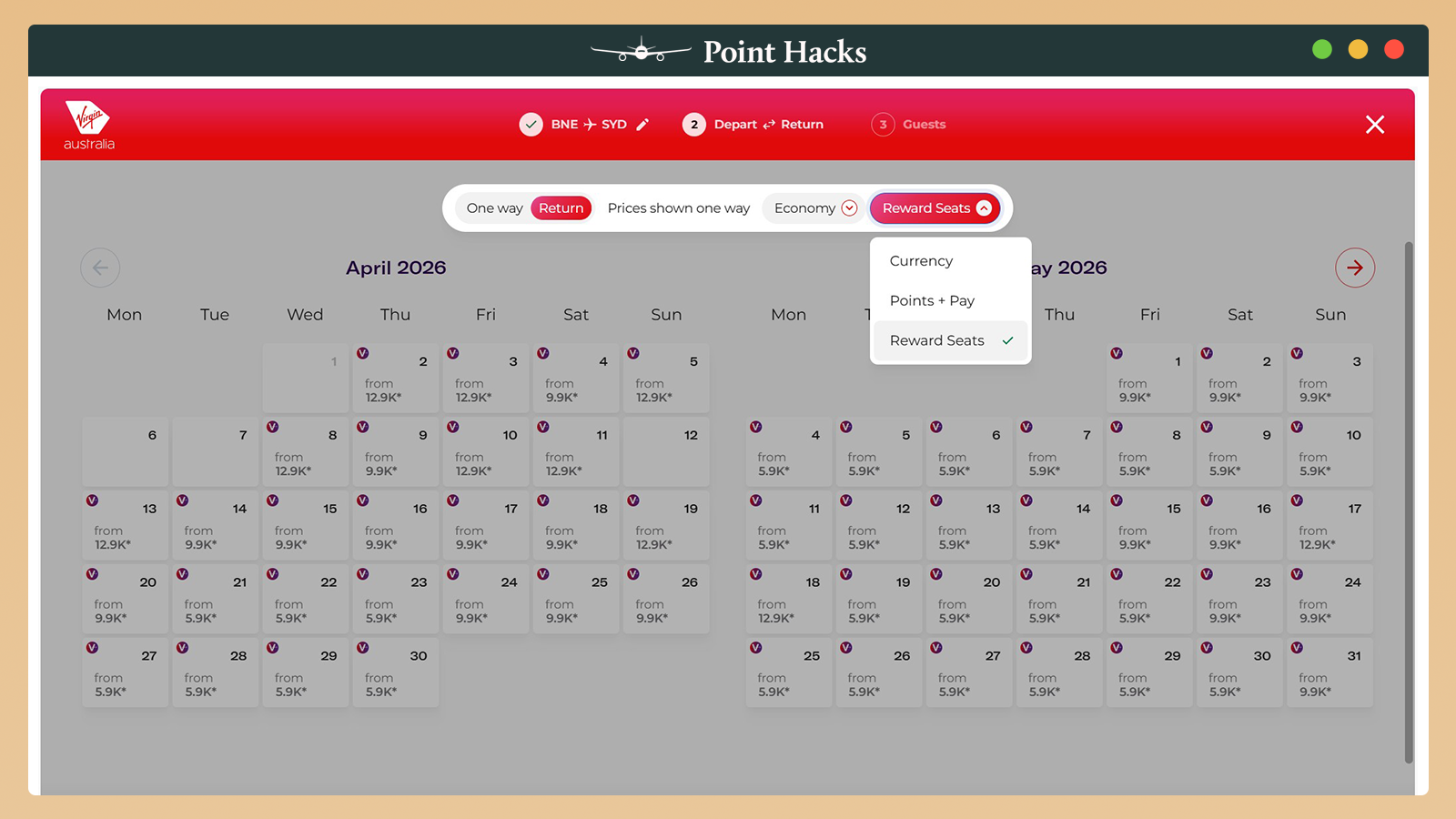
But the upgrades mean you can now filter by cabin class and search specifically for cash fares, Points + Pay seats, or Velocity Reward Seats. Of course, the latter option will likely be of interest to most members.
Using the tool for partner airline flights
The latest update to the tool in September 2026 now displays partner airline reward seat availability. For example, the screenshot below shows some dates that should have a one-way Business Reward from Perth to London. However, a limitation of this tool is you can’t filter by the number of passengers.
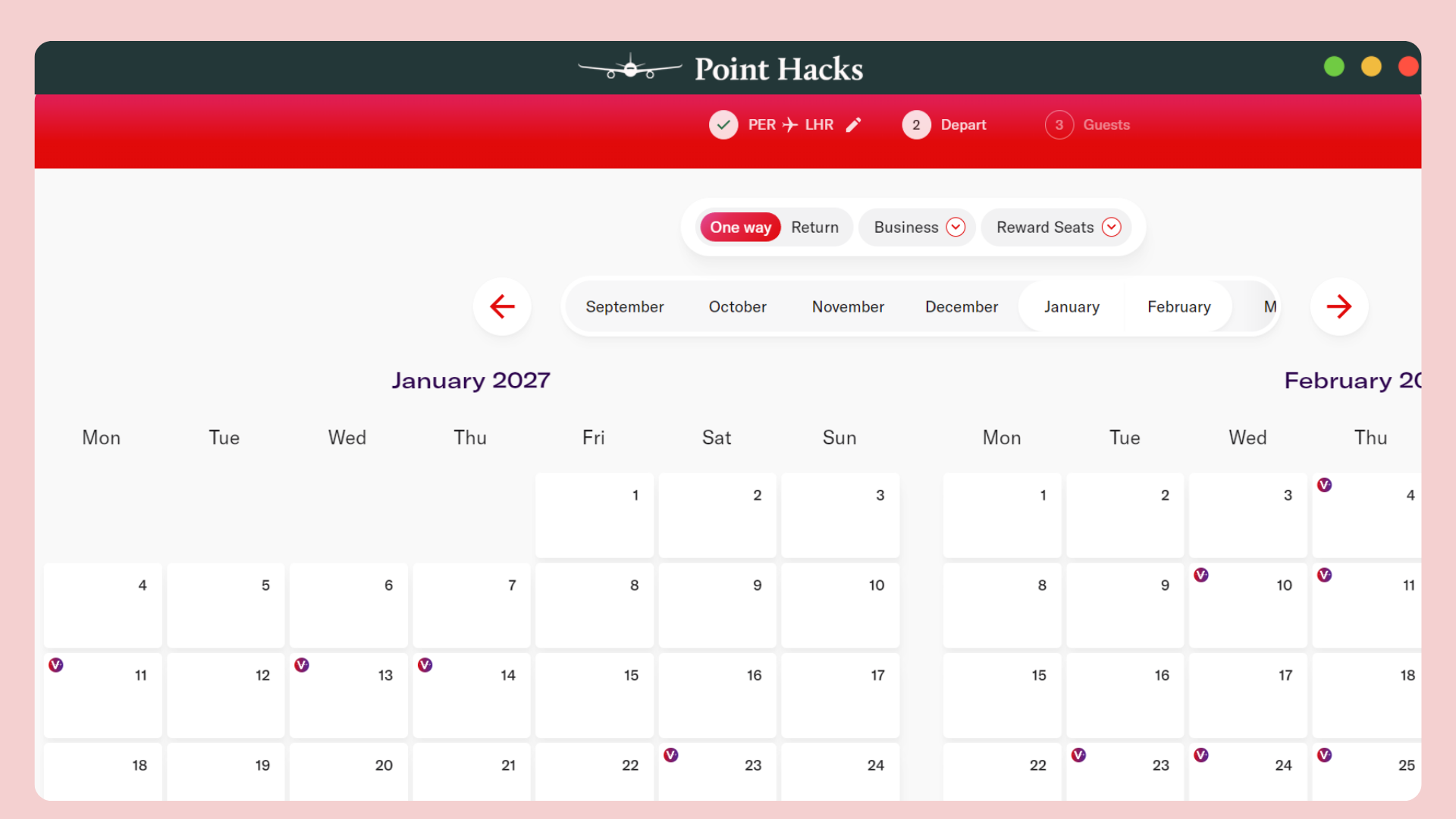
It also doesn’t filter by operating airline, so you’ll need to manually check each date to see if it works. Still, at least you can shortlist a few viable date options straight from the calendar.
Stay up to date with the latest news, reviews and guides by subscribing to Point Hacks’ email newsletter.



Hi
Interesting article about improved searches but I’m not clear about how to access this improved search. Do I simply use the regular flight search tool on the airline homepage and I will then see the improved results screen shown in your article or is there a special website link for this more comprehensive search?
Hi Peter, it’s being rolled out in stages so you’ll have to wait until it works for you. It should come up in the regular flight search tool on the airline homepage.