


Most Popular Cards
You Previously Viewed These Cards


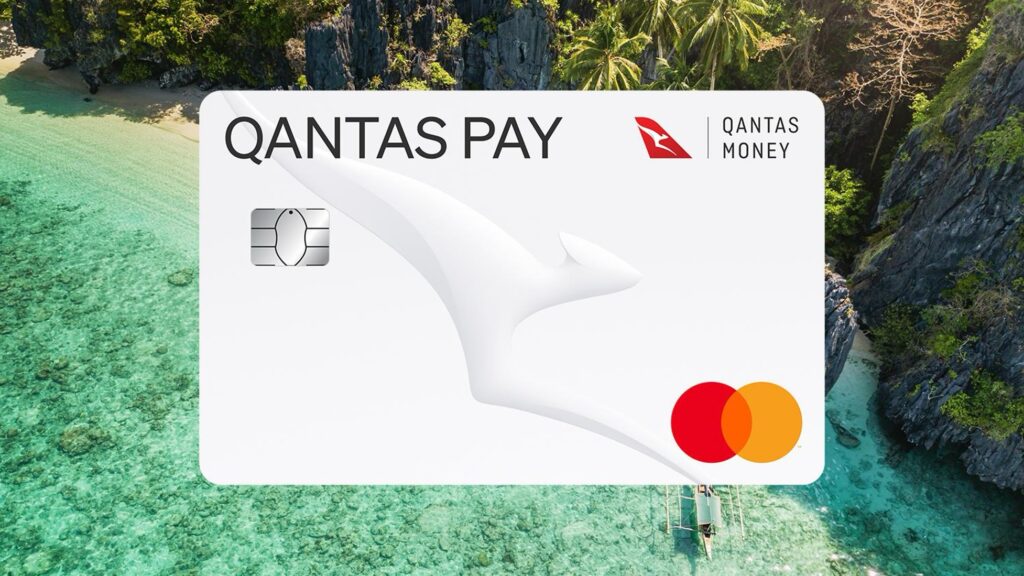
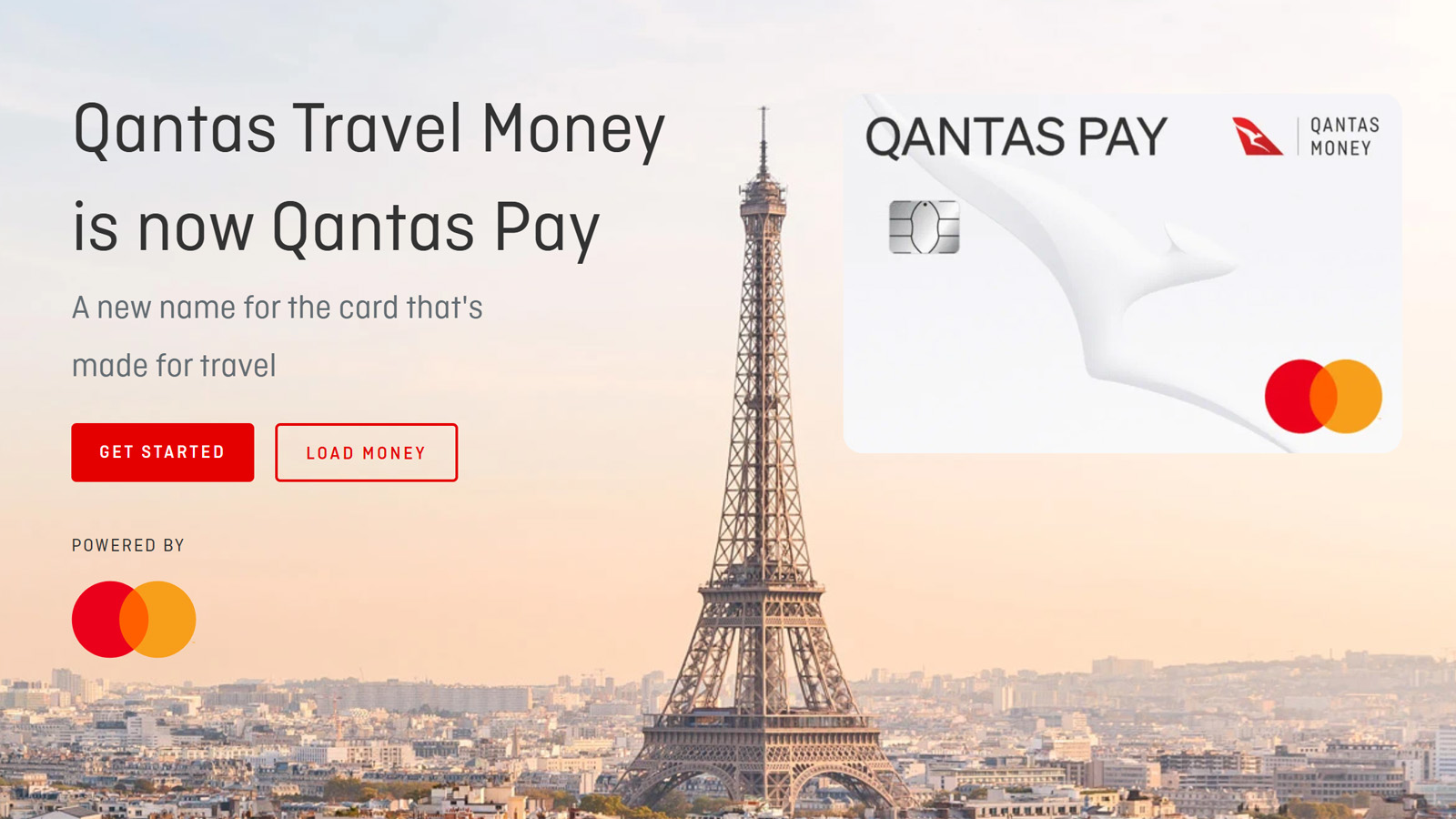
Qantas is making some big changes to its prepaid travel card and app. From 27 October 2025, the Qantas Money app will be shut down and replaced by a new, dedicated Qantas Pay app. For travellers still using the old Qantas Travel Money (QTM) card, this means now’s the time to start the switch to Qantas Pay instead.
Here’s what’s changing, why it matters, and the easy steps to get started so you can continue earning Qantas Points on domestic and overseas spend.
This guide is produced in partnership with Qantas Pay.
What’s changing with Qantas Travel Money?
Have an existing Qantas Travel Money card (perhaps one attached to the back of your frequent flyer card), or use the Qantas Money app to manage your travel money? Either way, Qantas Pay is now the way to go.
The old Qantas Travel Money card is not compatible with the new platform, so you’ll need to upgrade to Qantas Pay to continue managing your money digitally. It’s worth the switch – the new app and card unlock features that weren’t possible under the old setup, such as:
- Digital wallet support: Add your card to Apple Pay or Google Pay
- Instant top-ups: Reload your card with another via Apple Pay or Google Pay
You won’t lose any existing functionality and will enjoy a smoother overall user experience.
What are the benefits of Qantas Pay?
You’ll still enjoy the same benefits you know and love with Qantas Travel Money, but with even more perks and ways to earn points now. As a refresher, here is what you can earn with Qantas Pay:
- 1 point per A$1 you load in foreign currency.
- 1 point per A$1 you spend outside of Australia (both online and in-person).
- 1 point per A$4 you spend within Australia.
- 1.25 points per A$1 you spend on Qantas flights, Qantas Wine and Qantas Marketplace.
- Personalised card offers in the Qantas Pay app
How do I switch to Qantas Pay?
- Download the Qantas Pay app from the App Store or Google Play.
- Log in with your Qantas Frequent Flyer number and password.
- Order your new card using the simple prompts (upgrade is free).
- Add your new card to your digital wallet for immediate use.
- Activate your physical card once it arrives in the mail (5-7 business days).
- Update direct debits with your new card details.
Funds transfer instantly: Your Qantas Travel Money card will be cancelled and your balances automatically moved across.
Travelling soon? If you’re overseas or about to depart, you may wish to delay the upgrade until you return, as your existing Qantas Travel Money card will be cancelled immediately when you switch. Your Qantas Travel Money will continue to work after 27 October 2025 until its expiry, but you’ll have to manage its balance from the website (not the app) after that date.
To avoid disruption, upgrade before 27 October. The process is free, quick, and ensures you continue earning Qantas Points and accessing your travel money seamlessly.
If you’re having trouble switching, contact the Qantas Money Support Team 24/7 on 1300 992 700 (Australia) or +61 1300 825 302 (overseas).
Frequently asked questions
Yes. All currencies and balances will move instantly to your new Qantas Pay card.
Yes. Qantas Pay continues to earn Qantas Points on eligible spend at the same rates as Qantas Travel Money.
No. Upgrading is free of charge.
Yes. If you have direct debits or recurring payments linked to your Qantas Travel Money card, you’ll need to update them with your new Qantas Pay card details once your card is activated.
This guide is produced in partnership with Qantas Pay.

Ever since Qantas Credit cards changed their app, about 2 months ago, I haven’t been able to get into my new Qantas Credit Card acct (or Qantas Pay).
At the log in stage, I don’t get the two factor authentication text to my registered mobile number. I’ve been working with Qantas credit cards for 6 weeks trying to get it fixed and no luck. Never had issues before and I can’t assess my accounts. Not happy.
Only solution so far is to change my phone number to my partners number! Not helpful as I travel mostly with out him!
Does this have fee free overseas atm withdrawal?